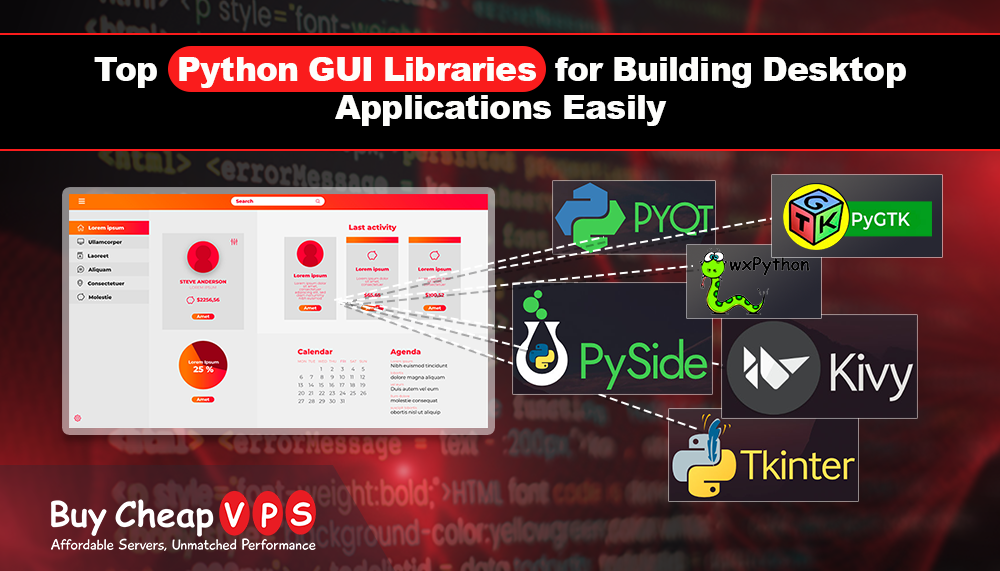
Top Python GUI Libraries for Building Desktop Applications Easily
Creating a desktop application can be fun and easy with Python. Python is a flexible programming language that allows you to make simple scripts or advanced software with graphical interfaces. A GUI, or Graphical User Interface, is the visual part of a program that lets users interact with it using buttons, menus, and forms instead of typing commands. Python has many libraries that help developers make GUI applications quickly and easily.
Here are some of the top Python GUI libraries you can use for building desktop applications.
1. Tkinter
Tkinter is the built-in Python library for creating GUI applications. Since it comes with Python, you don’t need to install anything extra. You can easily make windows, buttons, labels, and input fields with it.
Why use Tkinter?
- Comes with Python
- Easy to learn
- Works on Windows, macOS, and Linux
2. PyQt
PyQt is a powerful library based on the popular Qt framework. It has many ready-to-use widgets like buttons, sliders, and menus. PyQt is perfect for making professional and complex applications.
Why use PyQt?
- Modern and sleek design
- Many built-in features
- Drag-and-drop interface supported
3. PySide
PySide is very similar to PyQt because it is also based on Qt. The difference is that PySide is officially supported by the Qt company. It is a good free alternative to PyQt with the same features.
Why use PySide?
- Free and open-source
- Same features as PyQt
- Regular updates
4. Kivy
Kivy is great for creating apps for both desktop and mobile at the same time. It also supports touch gestures, which makes it ideal for modern touch applications.
Why use Kivy?
- Runs on Windows, macOS, Linux, Android, and iOS
- Supports touch-based apps
- Uses OpenGL for better graphics
5. PyGTK
PyGTK is used to create GUI applications with the GTK framework. It works very well on Linux and helps build flexible and responsive applications.
Why use PyGTK?
- Works perfectly on Linux
- Offers many widgets
- Free and open-source
6. wxPython
wxPython helps you make applications that look like native apps on any operating system. It works well on Windows, macOS, and Linux and has many built-in widgets for easy development.
Why use wxPython?
- Easy to use
- Looks native on all systems
- Many built-in widgets
Choosing the Right Python GUI Library
Choosing the best library depends on what you want to make:
- Beginners: Tkinter
- Professional applications: PyQt or PySide
- Mobile-friendly apps: Kivy
- Linux apps: PyGTK
- Native-looking apps: wxPython
Conclusion
Python makes it easy to build desktop applications with GUIs. Whether you are a beginner or an experienced developer, there is a Python library that fits your needs. Start using Tkinter, PyQt, Kivy, or any of the libraries above and build your interactive desktop application today.