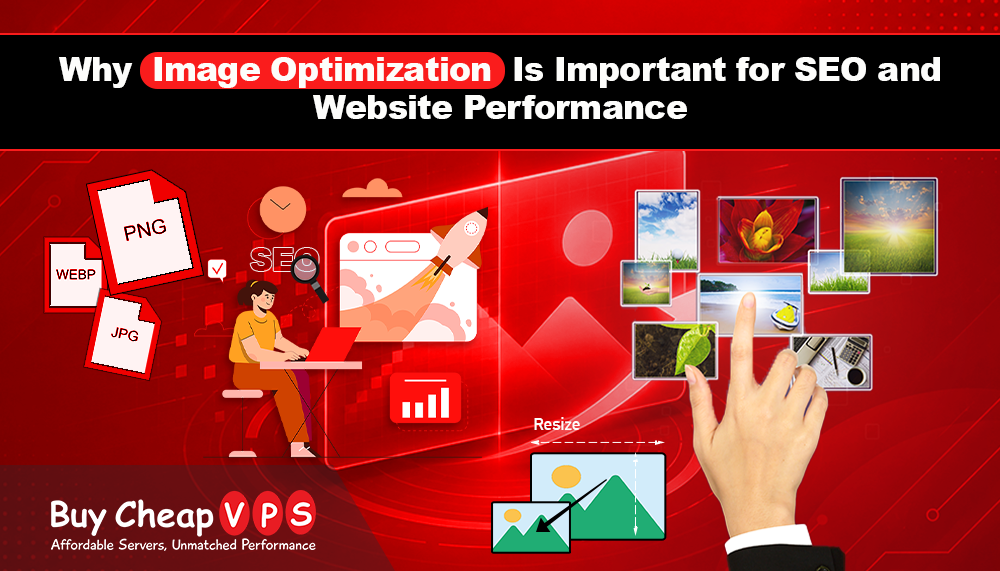
Why Image Optimization Is Important for SEO and Website Performance
Websites need to load fast and look good to keep visitors interested. One of the best ways to improve website speed is image optimization. It helps your site load faster, improves user experience, and also supports better SEO rankings. In this article, we will explain what image optimization is and how you can do it easily.
What Is Image Optimization?
Image optimization means reducing the size of an image without making it look bad. Large images can slow down a website, causing visitors to leave before the page fully loads. Optimized images are smaller in size but still clear and good quality, helping your website load quickly.
Why Image Optimization Is Important
1. Faster Website Speed
Large, unoptimized images make web pages slow. Slow websites can frustrate visitors, and they may leave your site. Fast-loading websites keep users happy and encourage them to stay longer.
2. Better User Experience
A fast website with clear images gives users a smooth experience. People trust websites that look clean, professional, and easy to use.
3. Better SEO Ranking
Search engines like fast websites. If your website loads quickly, including optimized images, it can help improve your ranking on search results.
Simple Image Optimization Tips
- Use the Right File Format
Different image formats are used for different needs:
- JPEG – Best for normal photos with many colors
- PNG – Best for images that need transparency
- WebP – A modern format that gives small file size with good quality
Using the correct format helps reduce file size without losing quality.
Resize Images Before Uploading
Do not upload very large images if they are not needed. If your website only shows an image at 500 pixels width, there is no need to upload a 2000-pixel image. Resize images before uploading to save space and improve speed.
Compress Images
Image compression reduces file size while keeping good quality. You can use online tools or plugins to compress images easily.
Use Proper File Names
Instead of names like “IMG123.jpg,” use meaningful names like “red-shoes.jpg.” This helps search engines understand your image and improves SEO.
Add Alt Text
Alt text is a short description of an image. It helps:
- Search engines understand the image
- Visually impaired users understand the content
Good alt text improves both SEO and accessibility.
Use Lazy Loading
Lazy loading means images load only when the user scrolls to them. This improves page speed, especially for pages with many images.
Optimize Thumbnails
If your website uses thumbnails, make sure they are also resized and compressed. Large thumbnails can slow down your website.
Use a CDN (Content Delivery Network)
A CDN stores your images on different servers around the world. When a user visits your site, images load from the nearest server, making your website faster. For example, services like Cloudflare CDN help deliver images quickly and reduce server load.
Conclusion
Image optimization is very important for every website. It helps your site load faster, improves user experience, and boosts SEO performance. By using simple steps like resizing, compressing, and choosing the right format, you can make your website faster and more efficient.