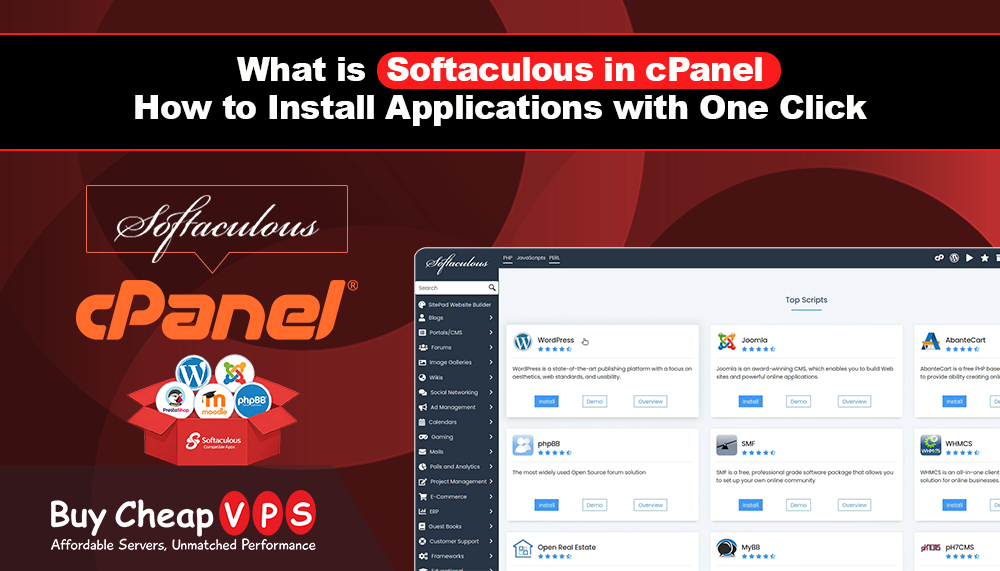
What Is Softaculous in cPanel? How to Install Applications with One Click
Building a website often requires installing applications such as WordPress, Joomla, Moodle, or an online store platform. In the past, this process could be time consuming and required technical knowledge.
Today, cPanel makes application installation much easier with Softaculous. Softaculous is one of the most popular tools available in cPanel. It allows website owners to install hundreds of applications with just a few clicks, without needing advanced technical skills. Whether you are creating a blog, business website, online store, forum, or learning platform, Softaculous helps you get started quickly.
What Is Softaculous?
Softaculous is a one click application installer included with many cPanel hosting plans. It allows users to install over 400 popular website applications and scripts directly from their hosting control panel. Instead of manually downloading files, creating databases, and configuring settings, Softaculous automates the entire installation process. This saves time and makes website management easier for beginners and experienced users alike.
Why Is Softaculous Popular?
Many website owners use Softaculous because it simplifies the process of launching a website. Benefits include:
- Fast application installation
- Beginner friendly interface
- No coding knowledge required
- Automatic software updates
- Backup and restore tools
- Access to hundreds of applications
With just a few clicks, you can have a fully functional website ready to use.
How Does Softaculous Work?
Installing an application through Softaculous is simple.
-
Step 1: Log In to cPanel
Access your hosting account and open your cPanel dashboard.
-
Step 2: Open Softaculous
Locate the Softaculous Apps Installer under the Software section.
-
Step 3: Browse Applications
You can browse different categories such as:
- Blogs
- Content Management Systems
- E-commerce
- Forums
- Educational Platforms
- Customer Support Systems
-
Step 4: Select an Application
Choose the application you want to install and click the Install button.
-
Step 5: Enter Basic Information
Provide simple details such as:
- Website name
- Admin username
- Password
- Email address
-
Step 6: Complete Installation
Click Install and Softaculous will automatically set up the application for you. The installation is usually completed within a few minutes.
Popular Applications Available in Softaculous
Softaculous includes many popular website applications.
-
WordPress
WordPress is the world's most popular website platform and is ideal for blogs, business websites, and online stores.
-
Joomla
Joomla is a powerful content management system suitable for advanced websites.
-
PrestaShop
PrestaShop helps businesses create professional online stores.
-
Moodle
Moodle is widely used by schools, universities, and training providers for online learning platforms.
-
phpBB
phpBB is a popular forum software for creating online communities and discussion boards. These are just a few examples from the hundreds of applications available.
Benefits of Using Softaculous
-
Saves Time
Manual installation can take a long time and may require technical knowledge. Softaculous can install applications in just a few minutes.
-
Easy for Beginners
Even users with no web hosting experience can install and manage applications easily.
-
Automatic Updates
Keeping software updated is important for security and performance. Softaculous can automatically update many applications to the latest versions.
-
Backup and Restore Features
Before making major changes, you can create backups of your applications. If something goes wrong, you can restore your website quickly.
-
Large Application Library
With more than 400 applications available, Softaculous provides solutions for almost every type of website.
Who Should Use Softaculous?
Softaculous is useful for:
- Small business owners
- Bloggers
- Online store owners
- Students
- Developers
- Educational institutions
- Website beginners
It helps anyone launch and manage websites more efficiently.
Why Softaculous Is Important for Website Management
Website management becomes easier when tools are simple and automated. Softaculous reduces the technical work involved in setting up websites and applications. Instead of spending hours on manual installation, users can focus on creating content, growing their business, or managing customers. This makes Softaculous one of the most valuable tools available in cPanel hosting environments.
Final Thoughts
Softaculous is a powerful one click installer that makes website creation faster and easier. From WordPress blogs and business websites to Moodle learning platforms and online stores, Softaculous provides quick access to hundreds of applications through cPanel.
If you use cPanel hosting, Softaculous can help simplify website management, reduce setup time, and make application installation accessible to everyone. Whether you are launching your first website or managing multiple projects, Softaculous is one of the easiest ways to get started online.